Reserve a project space
Via the reservation tool Officebooking, you can find facilities and study spaces in several of our locations. If needed, you can even show the route map to a study space of choice.
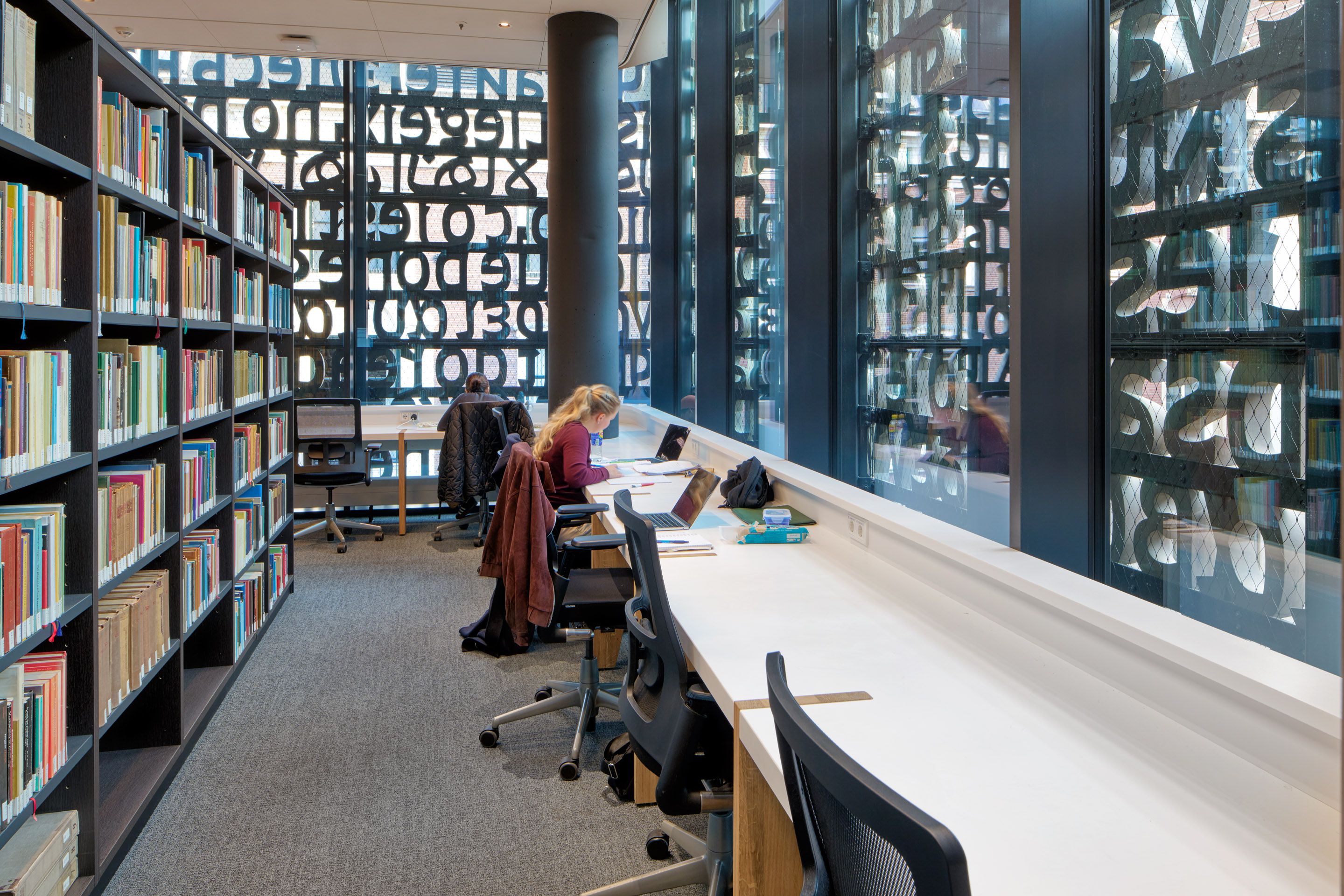
You can use Officebooking through the Officebooking app, which you can download on your phone or use via the desktop version.
Download it from the App Store or Google Play Storeor use the desktop version.
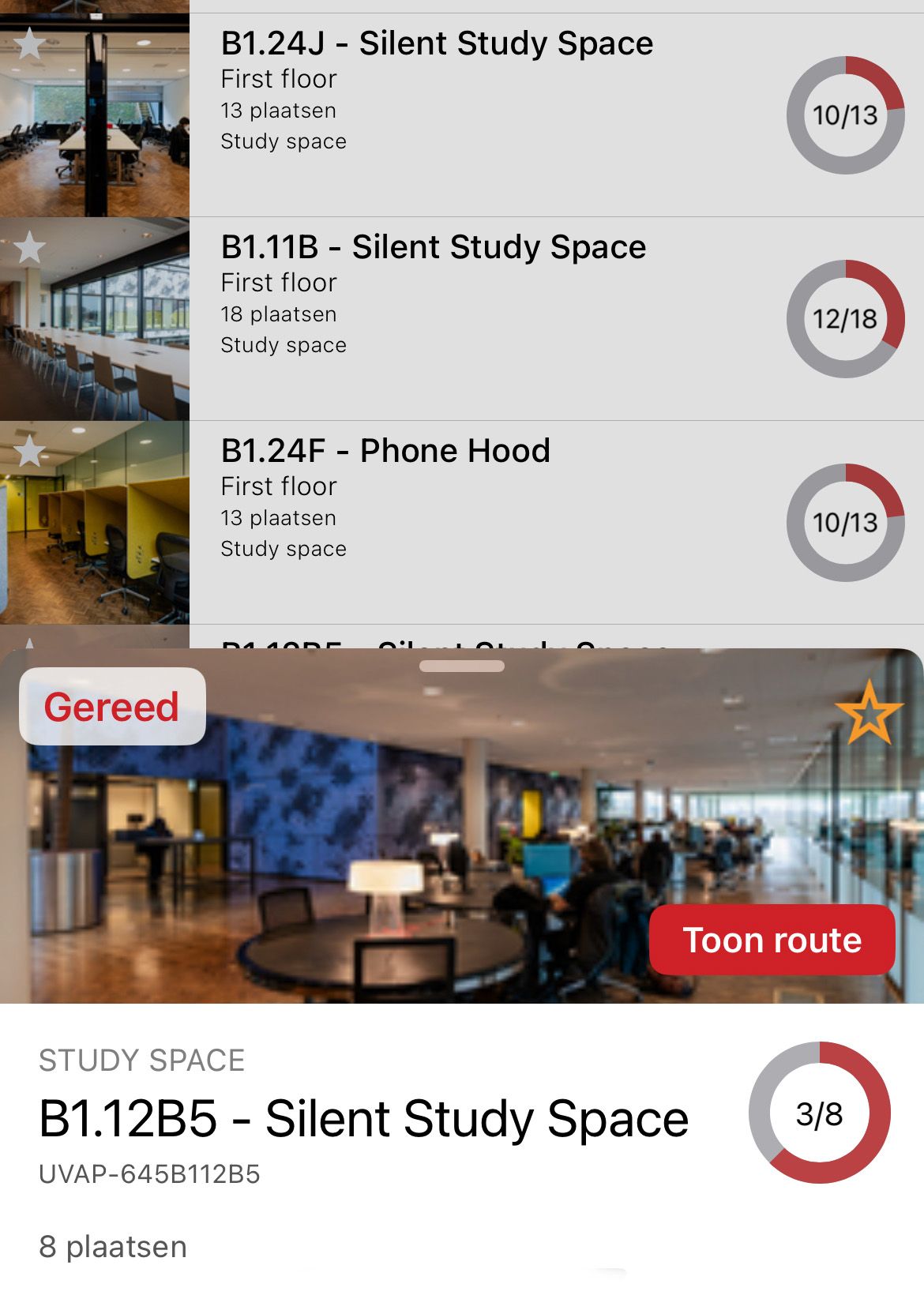
How to reserving a room
If you want to reserve a room, you need to be a student or employee, and use your UvAnetID to log in.
The following general rules apply: you can have a total of two active reservations. Besides, another reservation can be made when either one of the two is deleted or one of the two is expired. If you are 15 minutes late, someone else is allowed to use the room.
Each type of room has a few additional rules
Project Room and Study Booth
- You can reserve up to one week ahead of time.
- A reservation has a minimum of 30 minutes and a maximum of 6 hours.
- You can have twelve active reservation hours in total.
Tutorial Room
- You can book it maximum of two days in advance and/or even on the day itself.
- A reservation has a minimum of 30 minutes and a maximum of 2 hours.
- You can have four active reservation hours in total.
Code of conduct
When using our rooms, you agree with the following code of conduct:
- If you won’t use your reservation, please cancel it.
- It’s not allowed to make phone calls or eat in our rooms.
- Don’t leave your belongings unattended.
- Make sure you leave the rooms tidy.
- Leave the furniture in place.